
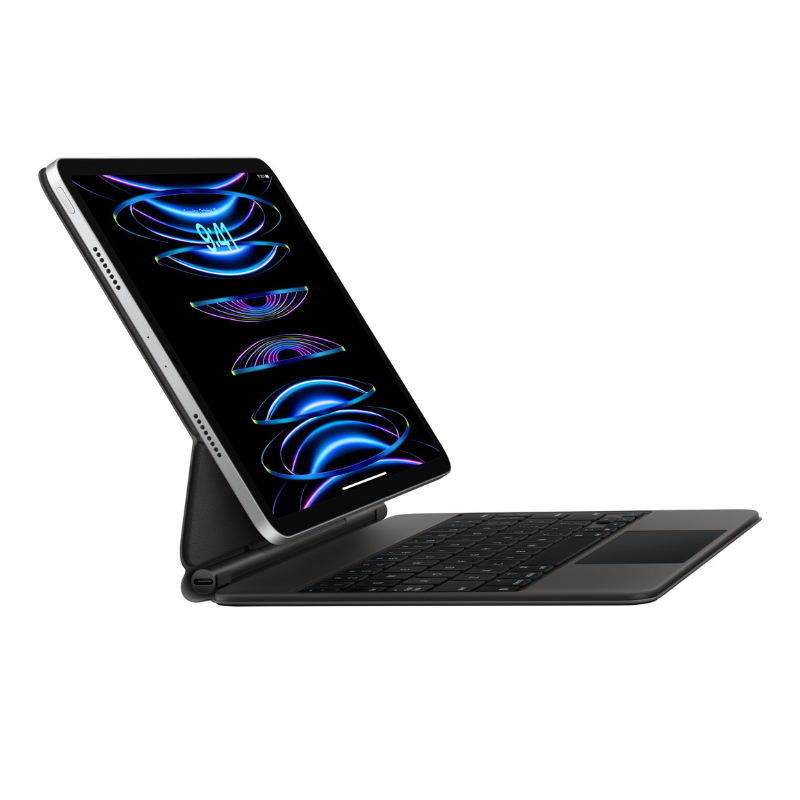
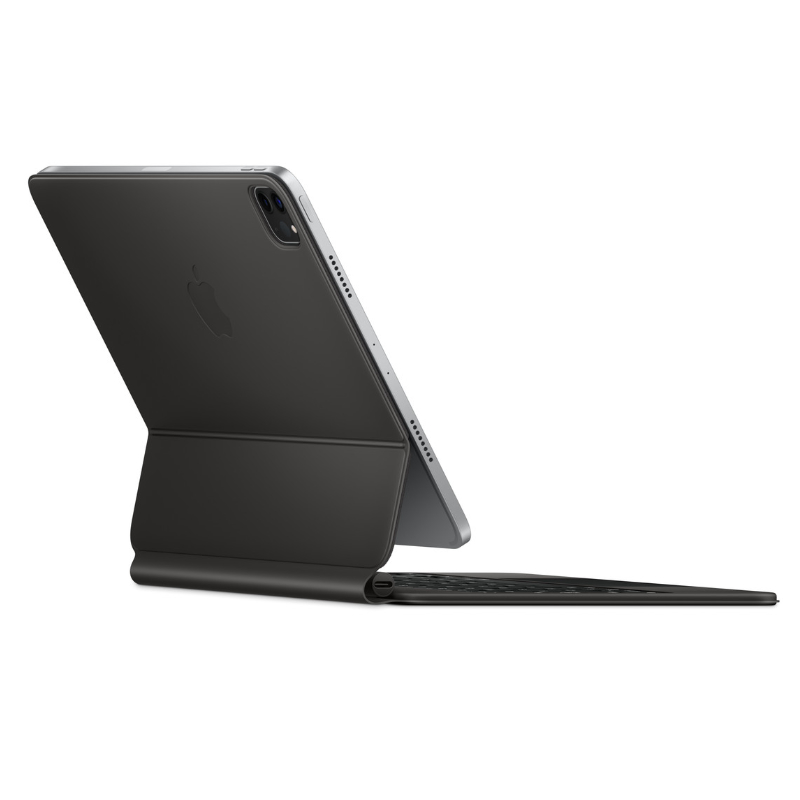

Magic Keyboard for iPad Pro 11-inch
Magic Keyboard for iPad Pro 11-Inch – The Ultimate Typing & Trackpad Experience
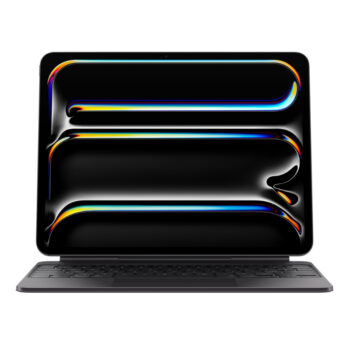
Transform your iPad Pro 11-inch into a true productivity powerhouse with the Apple Magic Keyboard. This sleek, backlit keyboard offers an incredibly responsive typing experience and a built-in trackpad that brings the full macOS-like functionality to your iPad. Whether you’re editing documents, designing, or multitasking, the Magic Keyboard provides the comfort and control you’ve been missing.
🔐 Secure Magnetic Attachments
⚙️ Trackpad with Multi-Gesture Support
🔋 No Charging Required – Powered by iPad
📍 Shop in Nairobi: Bazaar Plaza, 8th Floor, Room 853, Kimathi Street, Moi Avenue
📞 Call/WhatsApp: 0704328559
🌐 Buy Online: iPhoneCare Kenya – Apple Accessories
📧 Email: contact@example.com
🔍 Technical Specifications
| Feature | Details |
|---|---|
| Product | Magic Keyboard for iPad Pro 11-inch |
| Compatible Devices | iPad Pro 11″ (1st to 4th Gen), iPad Air (4th & 5th Gen) |
| Connectivity | Smart Connector |
| Trackpad | Yes – Multi-touch, gestures supported |
| Keyboard Type | Full-size with backlit scissor mechanism keys |
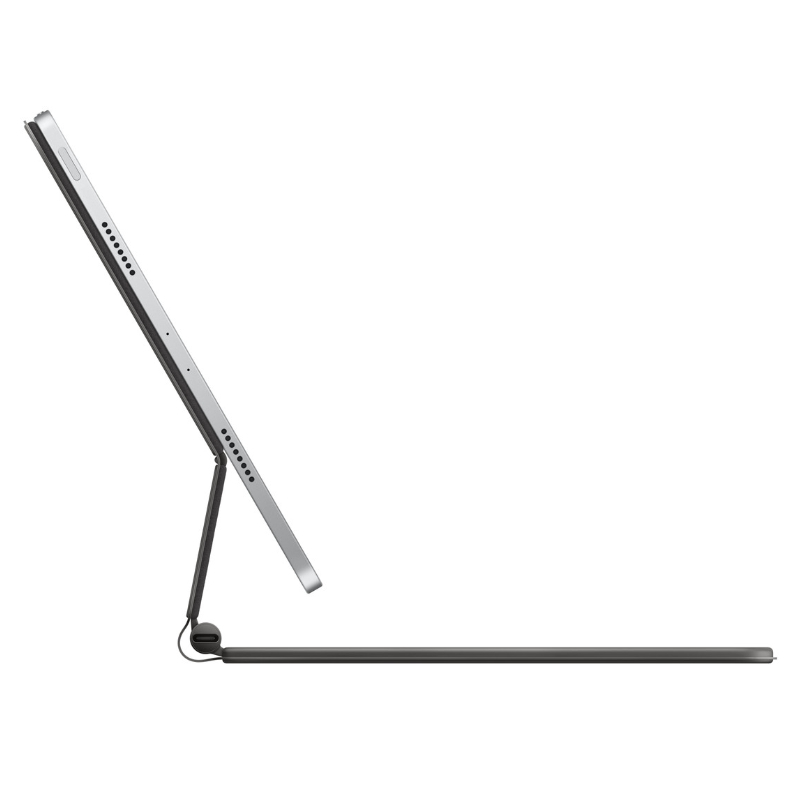
| Viewing Angles | 90° to 130° (floating cantilever design) |
| Charging | USB-C pass-through for iPad charging |
| Color | Space Grey or White |
| Weight | Approx. 600g |
✨ Key Features
1. Full-Size Keyboard with Backlit Keys
Enjoy a smooth, tactile typing experience with the scissor mechanism keys, complete with backlighting for typing in low-light conditions. Perfect for writers, students, and remote workers.
2. Built-In Trackpad with Gesture Support
Get full cursor support in iPadOS with the integrated multi-touch trackpad. Navigate apps, edit spreadsheets, and multitask effortlessly.
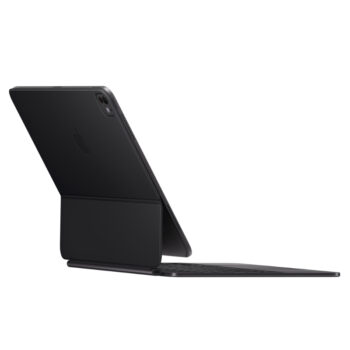
3. Floating Cantilever Design
The iPad appears to float above the keyboard thanks to the adjustable magnetic hinge, which offers a range of tilt angles for comfortable viewing and typing.
4. USB-C Charging Port
Free up the iPad’s port by using the keyboard’s built-in USB-C passthrough for charging, leaving your iPad’s port available for other accessories.
5. Magnetically Attaches Instantly
No Bluetooth needed! The Magic Keyboard connects using the Smart Connector for an instant, stable connection—no pairing or charging necessary.
✅ Pros & ❌ Cons
| ✅ Pros | ❌ Cons |
|---|---|
| Elegant design and premium build | Pricey compared to other keyboards |
| Responsive, quiet typing | Slightly heavier than the Smart Folio |
| Built-in trackpad for full iPadOS functionality | Not ideal for casual users |
| Pass-through USB-C charging | Only works with iPads that have Smart Connector |
| Protective case for front and back | No function keys (e.g., volume, brightness) |
🛍️ Who Is It For?
- Professionals using iPad for work
- Students and note-takers
- Designers and editors needing trackpad support
- Remote workers who want laptop-like performance
- Creatives who want portable productivity
📦 What’s in the Box?
- Magic Keyboard for iPad Pro 11″
- User Manual
- Apple Warranty Information
🔁 Related Products
Apple Smart Keyboard Folio – Lightweight alternative
🌐 Helpful Resource
Explore full iPadOS trackpad gesture support:
🔗 Apple iPadOS Gestures Guide




Reviews
There are no reviews yet.